Categories

How to set up a free Meal Train® page

Pro Tip: Meal Train pages area always editable by both the organizer and recipient.

Step 1: Meal Train Recipient Info
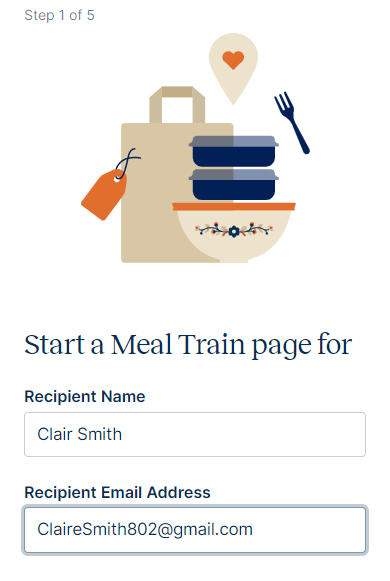
Step 1: Meal Train Recipient Info


Step 2: Drop Off Location
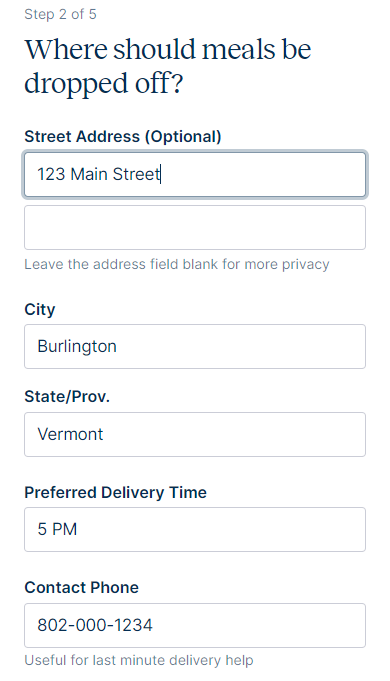
Step 2: Drop Off Location


Step 3: Select Dates
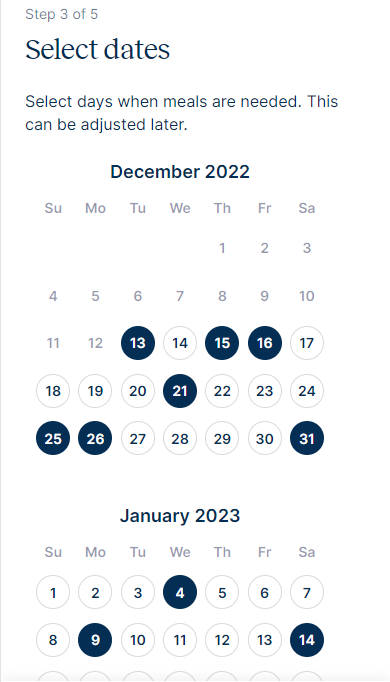
Step 3: Select Dates


Step 4: Preferences
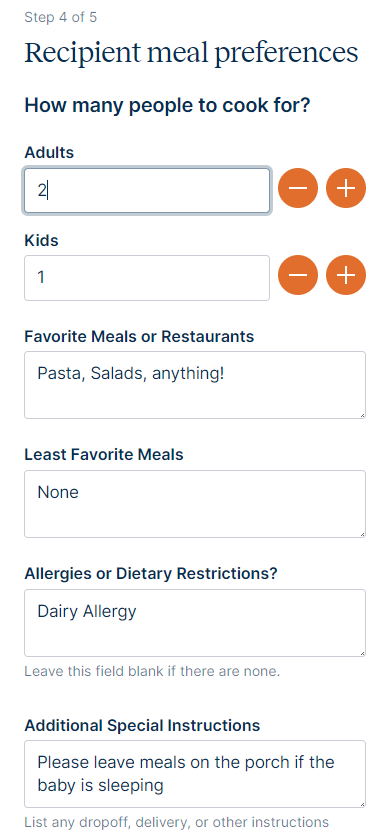
Step 4: Preferences


Step 5: Activate Donations
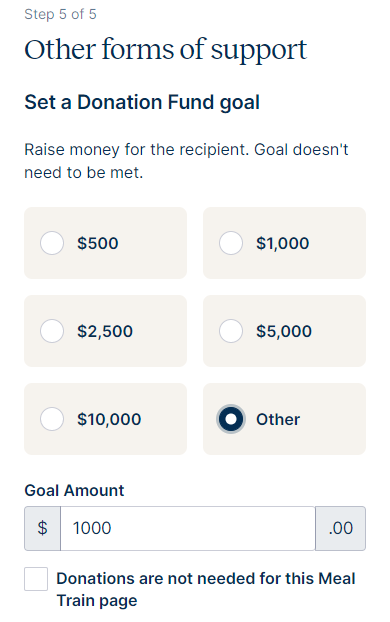
Step 5: Activate Donations


Step 6: Tell the Story and Add a Photo
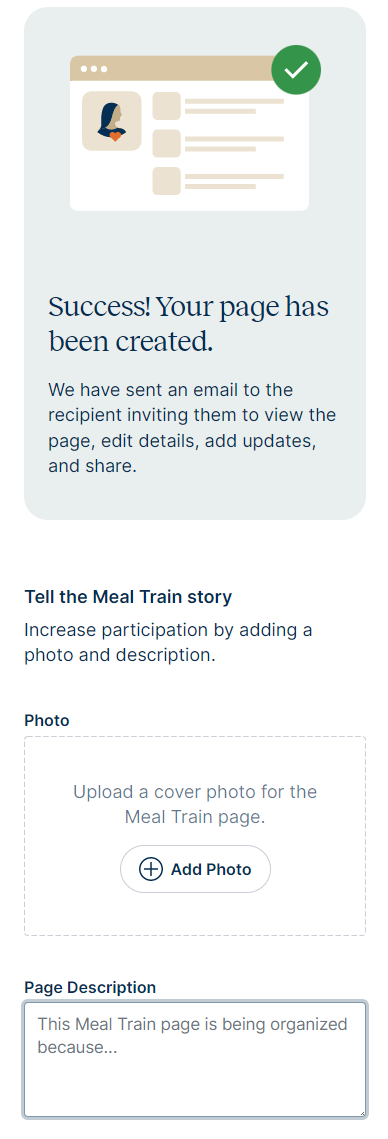
Step 6: Tell the Story and Add a Photo


Step 7: Share
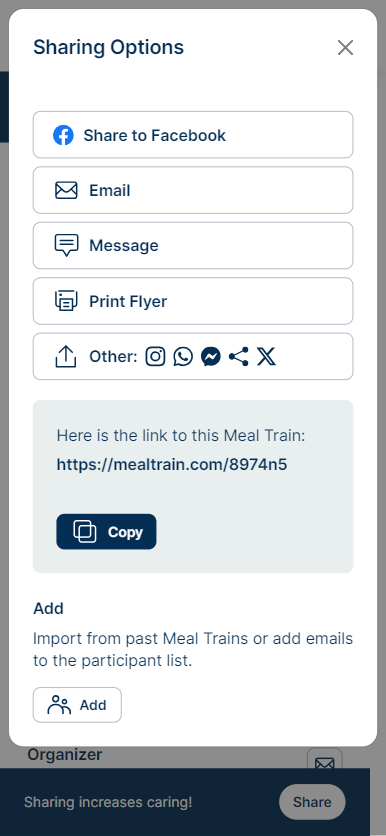
Learn more about sharing

Step 7: Share


Still need help? Contact Us


Related Articles